From the control room: building software the shift will actually open
A control-room conversation about screen overload, read-only deployments, and the practical details that determine whether operators adopt a new tool.
Shift Report
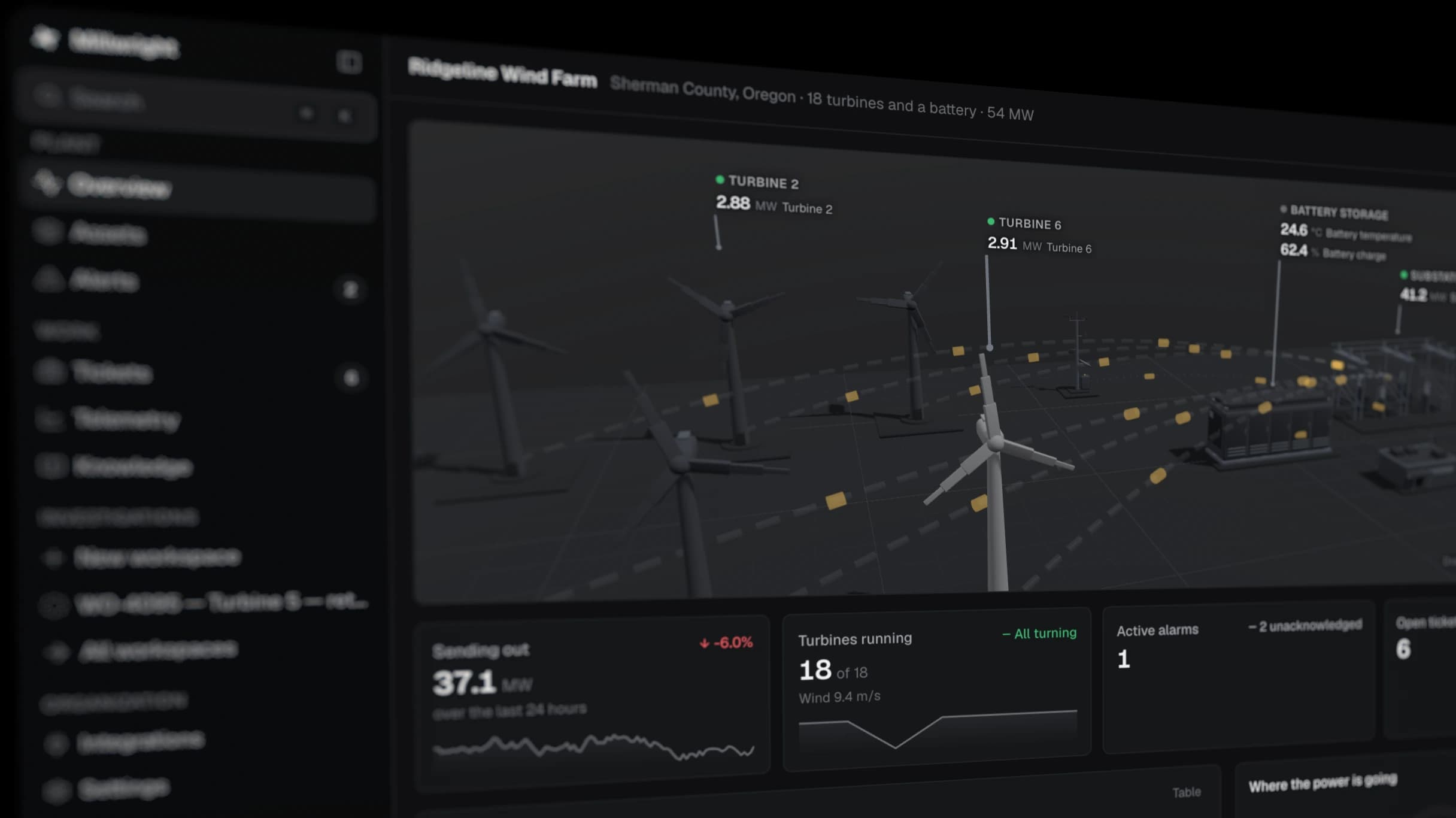
Shift Report: Operators already have a DCS, an alarm display, a historian, a CMMS, email, and a shift log. Why add another screen?
Millwright: A new screen only earns its place if it removes more searching than it creates. We are not trying to replace the DCS or become another place to acknowledge alarms. The useful gap is between systems: an operator sees a trip, opens the relevant event, and gets the surrounding trends, current work, and procedure without searching each source separately.
Shift Report: What does that look like during a real shift?
Millwright: Suppose a standby generator fails its weekly start. The operator needs to know whether the battery voltage dipped, whether the jacket-water heater was healthy, whether the same start fault occurred last month, and whether an electrician already has an open order. Those facts may live in four systems.
The event page should gather that context around the failure time. The operator can widen the window, remove irrelevant points, and attach the result to the existing work order. If the page cannot save a few minutes in that moment, it does not belong in the control room.
Shift Report: How do you decide what to show first?
Millwright: Start with state and exceptions, not every available measurement. Which assets are unavailable? Which alarms are active or standing? What work changes the operating plan? What has changed since the last handover?
The asset hierarchy provides the filter. A utilities operator should see the chilled-water system and its dependencies, not a wall of unrelated tags from the production line. The underlying data remains available, but the first view reflects the job being done.
Shift Report: Integration projects have a reputation for becoming long programs.
Millwright: The first deployment should be narrower than the eventual product. One system, one operating area, read-only. A historian connection is enough to test whether tags map to the right assets and whether the event view helps with actual faults.
The difficult part is usually not moving data. It is resolving names. A plant may have P-101, P101, and P_101A in three systems, with stale points and undocumented exceptions. We expose uncertain mappings for review instead of silently joining records that merely look alike.
Shift Report: Why read-only?
Millwright: Because observation and control have different risk profiles. A useful first step does not require writing to the DCS, closing work orders, or publishing procedures. Read-only access lets a site validate the model, permissions, and workflow before enabling any write-back. Later, each write path can be approved separately and audited.
Shift Report: Where does the diagnostician fit?
Millwright: It helps assemble and test an explanation. It can find related points, compare the current event with previous ones, and summarize evidence. Every claim should link back to a source an operator can inspect.
It also needs a clear stopping condition. If a breaker position is unavailable or two sensors disagree, the system should ask for a field check. Operators lose trust quickly when software hides uncertainty behind fluent language.
Shift Report: What have you learned about adoption?
Millwright: Small sources of friction matter. If login takes too long, the asset names do not match the radio language, or an event opens at the wrong time range, people return to the tools they know. Training cannot compensate for a workflow that is slower during an upset.
So we look for observable behavior: Do operators open an event without being prompted? Do they attach it to work? Does the incoming shift use the saved view? Adoption is not the number of accounts provisioned. It is whether the product becomes the shortest path to a reliable answer.